
Chip, Your AI Assistant
Set up a tournament by describing it, ask questions about your own games, and get a write-up afterwards. What Chip can do, what it costs, and what it will never decide for you.
Chip is an AI assistant built into the app. It knows your chips, your structures, your tables and every game you have run, so you can talk to it about your poker night instead of filling in forms.
Chip is optional, and it has its own subscription, separate from the app you bought. If you never switch it on, nothing about the app changes: every screen works exactly as it did before.
The one rule worth learning first
Chip works out what you want. The app works out the numbers.
Blind levels come from the same curated ladder the structure editor uses. Prize money comes from the same payout engine as every other tournament. A chip set Chip proposes is checked against your real chips and must total your starting stack exactly before you are ever shown it.
That split is deliberate, and it is why you can trust the figures. Chip is good at understanding “18 players, fifty dollar buy-in, done by eleven”. It is not the thing deciding what your blinds should be.
Nothing is created or changed until you say so. Chip proposes; you see exactly what will happen, with every name editable; you press the button to approve what Chip proposed.
Locating Chip
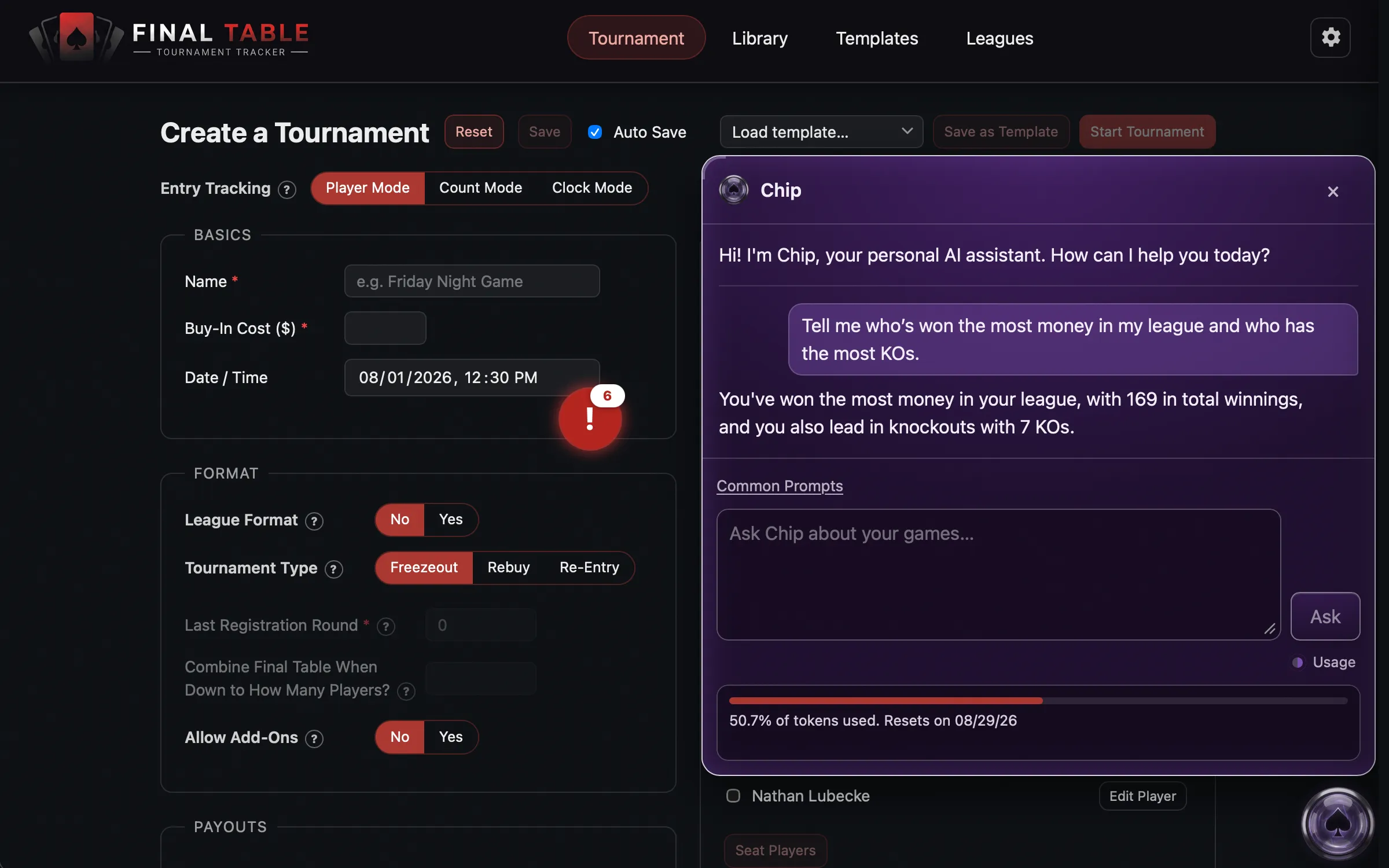
Chip sits in a floating button in the corner of the window. Drag it wherever suits you, and it stays there. Click it to open the panel.
If you do not have the subscription the button is still there, dimmed, so you can see what it would do before deciding if you want to purchase a subscription.
What it costs, and the allowance meter
The subscription includes a monthly token allowance. The usage meter is always visible in Chip’s panel, so what you have used is never a surprise at the end of the month.
A few things are worth knowing:
- Reading costs nothing. Writing costs. Opening a tournament recap that already exists is free and works offline. Building a new one spends a little of your allowance.
- Setting up a tournament uses more than asking a question, because it is a conversation rather than one exchange. Think a handful of questions’ worth, not a meaningful dent in your month. How much depends on how much back and forth it takes.
- If there is not enough allowance left to finish a setup, Chip won’t start it.
- The allowance resets each month on your billing date, which the usage meter shows.
Set up a tournament by describing it
On the Tournament screen with a blank draft, Chip offers to help. You can also ask at any time by opening Chip and choosing Help Me Start a Tournament.
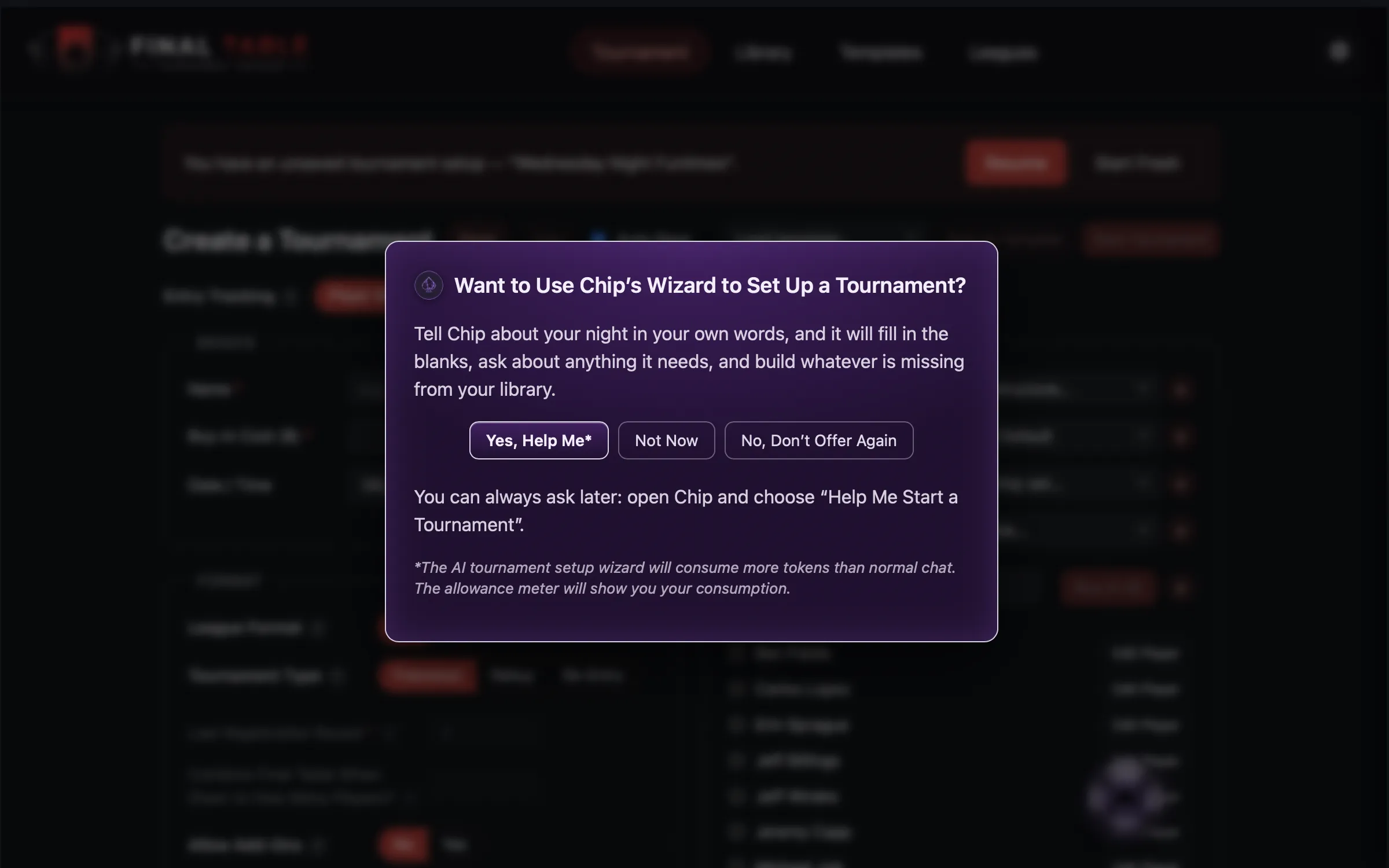
Tell it about the night in your own words:
16 players, $50 buy-in, unlimited rebuys through the fourth level, one optional add-on at the first break, 20,000 starting stacks, 30 minute levels then 20 after the break, done by midnight. I will create the payouts myself.
Chip reads your library first, asks about anything it genuinely needs, and then proposes the whole night at once: a chip set built from your own chips, a blind structure sized to the time you have, and a table if your field will not fit on the ones you own.
Before anything is saved you see the real thing: every chip count with its total, every blind level with its duration, and every name in a box you can edit. Change what you like, then press Create and Use. The draft lands on the setup screen, fully editable, and nothing starts on its own.
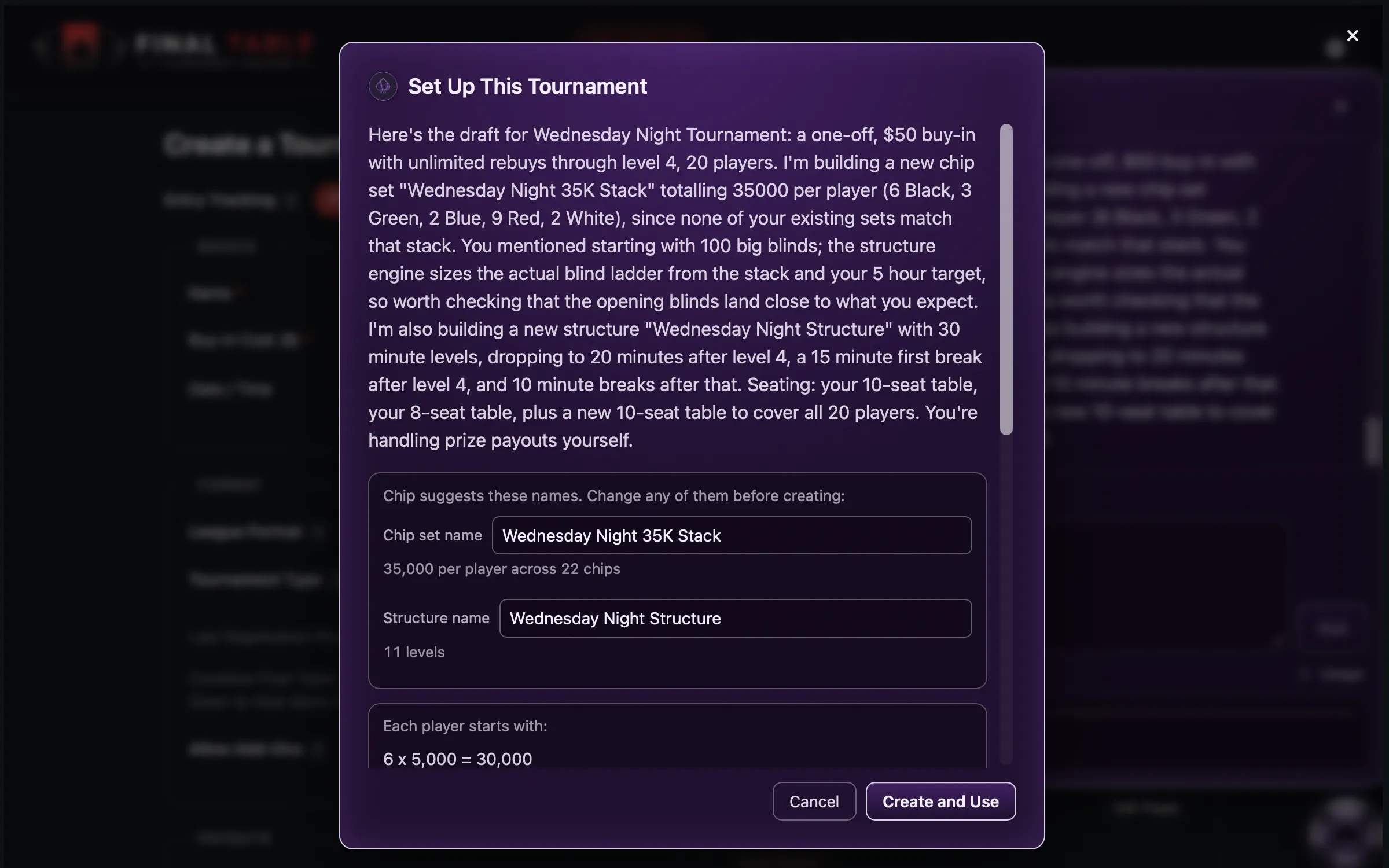
If you already own a chip set or structure that suits the night, Chip uses it rather than building you a second one. When there is nothing new to create, the button reads Use This Draft instead, so you can tell at a glance whether anything is about to be added to your library.
Ask about your own games
Open Chip and ask. It answers from your data, on your machine:
- Who won my last tournament, and how much did they win?
- Who has the most knockouts this season?
- How much has anyone actually made across all my games?
- What chip sets do I have, and what are they worth?
Chip cannot see your data until it asks the app for it, and every number it states comes back from the app rather than from the model. If it cannot answer something, it says so plainly, and offers to pass the question to the developers if it’s something that could be built.
Recaps: View is free, Build spends
A recap is a short write-up of a night: who won, who ran deep, how the money went.
You can build one from three places: the completion screen when a game finishes, the Games list in a league season, and My Tournaments.
The button tells you which you are about to do:
| Button | What happens |
|---|---|
| Build Recap | Chip writes a new one. This spends allowance. |
| View Recap | Opens one already written. Free, and works offline. |
You can edit a draft before approving it, and redraft if you do not like it. For a league game the approved recap publishes to your standings page alongside the results.
If the game changes after a recap was written, Chip warns you the stored text no longer matches, rather than quietly showing a write-up that misreports the night.
A lapsed subscription never takes your recaps away. You wrote them while paying, and you keep reading them afterwards.
Change the blinds while you are running
During a live tournament you can ask Chip to change the remaining ladder:
Add three twenty minute levels before the next break.
Chip proposes the change and shows you the real levels it would produce. Nothing moves until you confirm. Levels already played cannot be touched, by design.
What Chip remembers
Chip keeps notes about you on your own machine: your name, that you always play 20 minute levels, that Bob is your nemesis. It only saves what you tell it, never what it worked out about you.
Ask What do you remember about me? at any time, and tell it to forget anything you would rather it did not keep.
When Chip is not available
Chip needs a connection, and says so plainly when it does not have one. Everything else in the app keeps working: the clock, seating, payouts, and your whole library are on your machine and do not need Chip or the internet.